
Approve and check the first run
A connected AI tool is not the finish line. Review the exact plan in Sprout, make sure the child device is ready, and check what actually happens.
1. Review before you approve
The proposal should tell you:
- Which child will receive it and what they will see.
- When it starts and whether it repeats.
- What counts as done and what help Sprout may give.
- Whether it changes Screen Time, gems, rewards, purchases, or access.
- What Sprout will do if the plan is too hard or the day changes.
If any of that is missing, correct the plan before approving it.
2. Start with one to three actions
Use a small recurring plan, not one isolated task and not a wall of tasks. The first run should be easy to understand, easy to start, and useful enough to repeat.
3. Check the child device
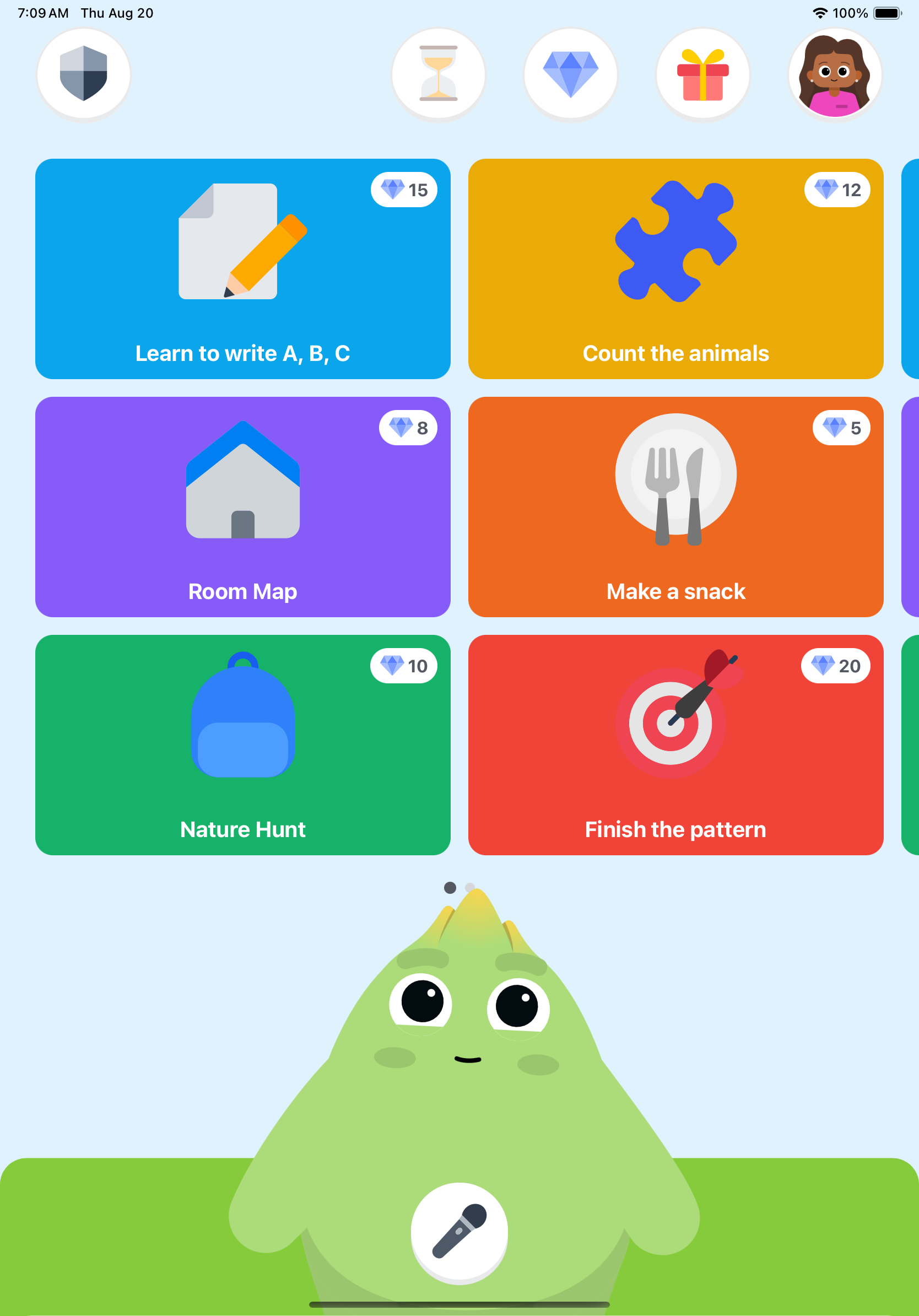
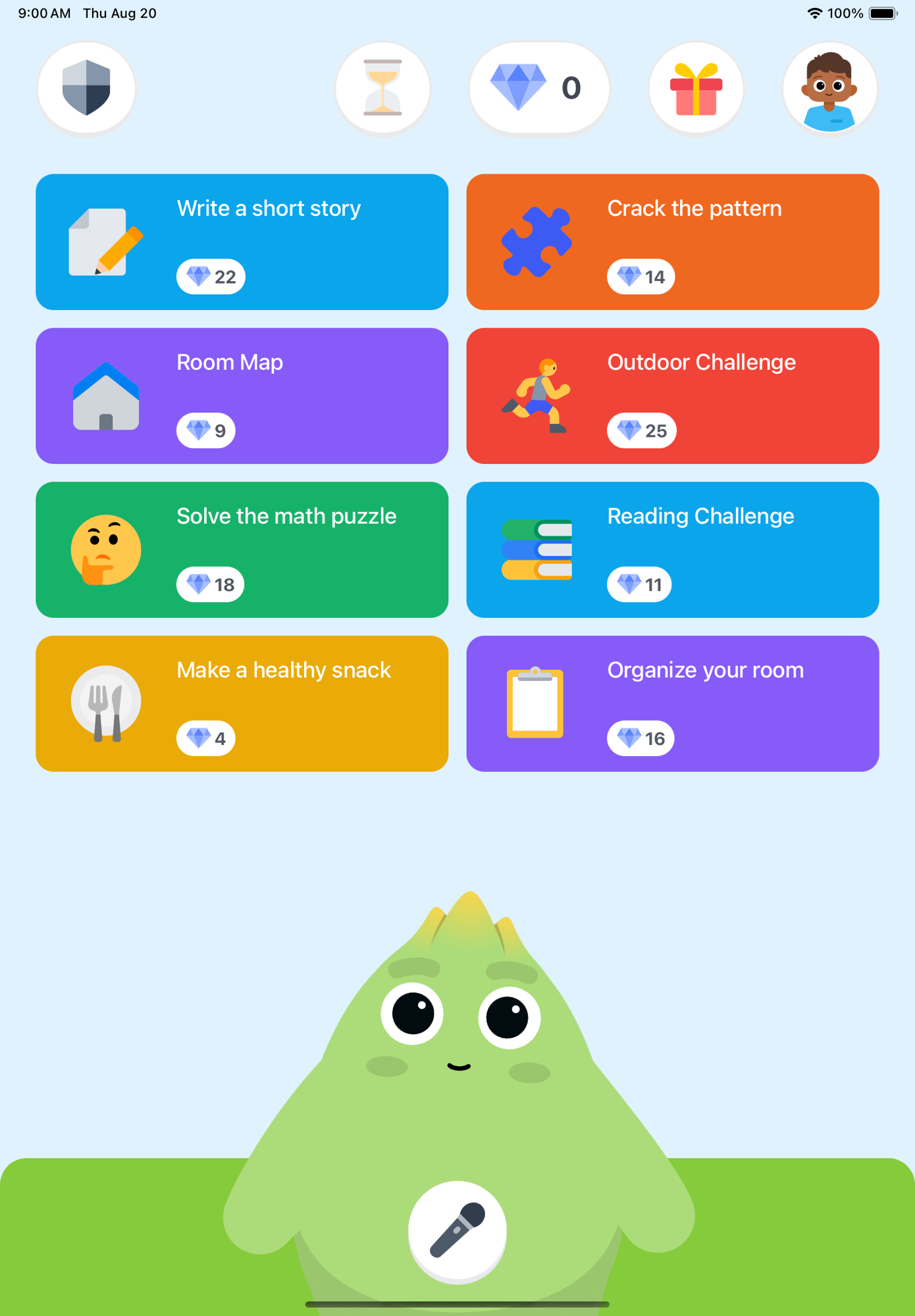
Confirm that the correct child's iPad is paired and signed in. Do not call the family ready until the plan reaches that device. Tasks appear when the child opens Sprout.
4. Check the next morning
- Your child opens Sprout.
- The expected action appears.
- Your child completes it or uses the available help.
- You see the result in the parent experience.
That is the first useful setup result. Installing apps, pairing a device, or connecting an AI tool is necessary setup, but it is not proof that the family plan works.
Done when: your child sees and does one part of the approved plan, and you see the result.
If the first run misses
Make one change. Shorten the action, move the time, use a different source, or switch to a manual check. Do not add more tasks to fix a plan the child did not understand.
Quick checks when nothing appears
- Open the kid app and confirm the correct child is signed in.
- Confirm that the parent approved the exact plan.
- Check the start date, time, and time zone.
- Confirm that the plan is active, not still a draft.
- Re-pair the child device if it was signed out or replaced.
Still missing? Write to support@sproutgoodhabits.com. Include the parent account email, device model, app version, expected time, and what you saw. Do not include child photos, videos, voice recordings, full names, or birth dates.